
Entsperren Sie IceCell iPhone XR für jede Sim mit dem Freischaltcode
Entsperren Sie Ihr iPhone XR von IceCell , um jede SIM-Karte aus jedem Netzwerk über IMEI mit unserem Online-Entsperrdienst zu verwenden. Mit einer Erfolgsquote von 100 % garantieren wir, dass Sie Ihr Telefon schnell, einfach und legal von IceCell entsperren können.
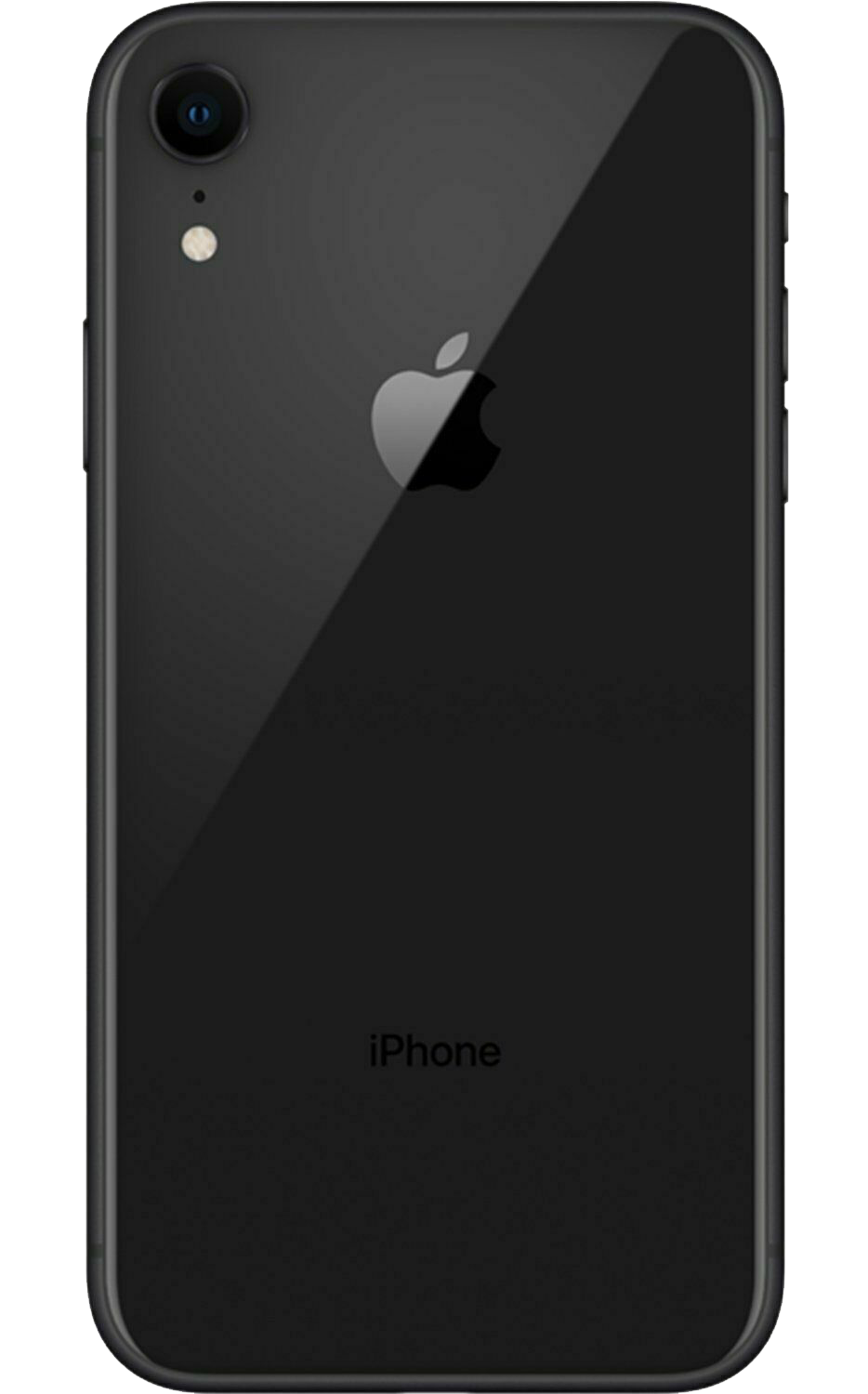
Entsperren Sie iPhone XR heute dauerhaft ab zu einem tollen Preis.
24-Stunden-Freischaltlieferung
Sofortige Entsperrung für viele Telefone im Netzwerk IceCell.
Internationale Freischaltungen
Ihr iPhone XR funktioniert in jedem Netzwerk auf der ganzen Welt sowie IceCell.
Ihr Telefon ist sicher
Sie behalten Ihr Gerät während des gesamten Entsperrvorgangs. Ihre Garantie bleibt davon unberührt.
Legal, sicher und garantiert IceCell iPhone XR Entsperrt in 3 einfachen Schritten mit PhoneUnlocks
Quickly and easily unlock your IceCell iPhone XR remotely without voiding your warranty
Geben Sie Ihre Gerätedetails an
Wählen Sie das Netzwerk des phone aus, den Sie entsperren möchten, und geben Sie die IMEI-Nummer an. Wir erkennen das Modell automatisch für Sie.
Wir bearbeiten Ihre Freischaltung
As soon as your order is placed, our system securely contacts your carrier and begins the unlock process. You can follow your progress live on our tracking page. Most unlocks complete within 15 minutes — complex cases may take up to 24 hours.
Telefon ist bereit
Once processed, the unlock remains active even after software updates or resets. You’ll receive confirmation by email and push notification. Apple devices are processed remotely, and others receive an authorised unlock code.


Bewertet mit 4,7 von 5 basierend auf 162 verifizierten Bewertungen
Product reviews of IceCell iPhone XR Carrier Unlock
Häufig gestellte Fragen
-
PhoneUnlocks ist einer der schnellsten Anbieter weltweiter und günstiger Entsperrungen für das IceCell-Netzwerk. Normalerweise entsperren wir sofort einen iPhone XR auf IceCell, manchmal kann dies abhängig von einigen Faktoren etwas länger dauern. Wir bieten einen Live-Tracking-Service an, um Sie über den Fortschritt auf dem Laufenden zu halten.
-
Niemals. Wir entsperren Ihr iPhone XR auf IceCell „over the air“ über 3G/4G oder WLAN oder indem wir Ihnen einen Entsperrcode senden – unsere Methode ist völlig remote. Ihr iPhone XR ist während des gesamten Vorgangs sicher und es kommt zu keinen Unterbrechungen Ihres IceCell-Dienstes. Die Nachverfolgung ist während des gesamten Entsperrvorgangs verfügbar.
-
Das Entsperren mit IMEI ist die offizielle und sicherste Methode zum Entsperren Ihres :device von IceCell und erfolgt bequem von zu Hause aus. Eine Software-Entsperrung ist eine weitere Lösung, führt aber in der Regel zum Erlöschen Ihrer Garantie, Sie müssen komplizierte Software herunterladen und können dann Ihr apple nicht aktualisieren.
-
Das Entsperren geht bei uns superschnell. Geben Sie einfach Ihre 15-stellige IMEI (Wählen Sie *#06# auf Ihrem gesperrten Gerät) und Ihr Netzwerk/Ihren Mobilfunkanbieter ein. Unser System verarbeitet Ihr Gerät automatisch, indem es es aus der Ferne identifiziert und eine offizielle iPhone XR-Entsperrung von IceCell anfordert.
-
Im März 2013 äußerten die Obama-Regierung und die Federal Communications Commission als Reaktion auf eine erfolgreiche Petition auf der Plattform WhiteHouse.gov die Meinung, dass Verbraucher die Möglichkeit haben sollten, den Mobilfunkanbieter zu wechseln und ihre vorhandenen Telefone zu behalten.
Der Unlocking Consumer Choice and Wireless Competition Act wurde am 1. August 2014 in Kraft gesetzt. Daher ist es nun völlig legal, Ihr Telefon zu entsperren.
-
Auf jeden Fall, auch wenn Ihr iPhone XR bei einem Netzbetreiber unter Vertrag steht. Es kann ein zusätzlicher Preis anfallen, wenn ein Restbetrag aussteht.
Beliebte Geräte auf IceCell
- Entsperren Sie IceCell iPhone 5
- Entsperren Sie IceCell iPhone 5S
- Entsperren Sie IceCell iPhone 5C
- Entsperren Sie IceCell iPhone SE
- Entsperren Sie IceCell iPhone 6
- Entsperren Sie IceCell iPhone 6 Plus
- Entsperren Sie IceCell iPhone 6S
- Entsperren Sie IceCell iPhone 6S Plus
- Entsperren Sie IceCell iPhone 7
- Entsperren Sie IceCell iPhone 7 Plus
- Entsperren Sie IceCell iPhone 8
- Entsperren Sie IceCell iPhone 8 Plus
- Entsperren Sie IceCell iPhone X
- Entsperren Sie IceCell iPhone XR
- Entsperren Sie IceCell iPhone XS
- Entsperren Sie IceCell iPhone XS Max
- Entsperren Sie IceCell iPhone 11
- Entsperren Sie IceCell iPhone 11 Pro
- Entsperren Sie IceCell iPhone 11 Pro Max
- Entsperren Sie IceCell iPad
- Entsperren Sie IceCell iPhone SE 2020
- Entsperren Sie IceCell iPhone 12
- Entsperren Sie IceCell iPhone 12 Pro
- Entsperren Sie IceCell iPhone 12 Pro Max
- Entsperren Sie IceCell iPhone 12 Mini
- Entsperren Sie IceCell iPhone 13
- Entsperren Sie IceCell iPhone 13 Mini
- Entsperren Sie IceCell iPhone 13 Pro
- Entsperren Sie IceCell iPhone 13 Pro Max
- Entsperren Sie IceCell iPhone 14
- Entsperren Sie IceCell iPhone 14 Pro
- Entsperren Sie IceCell iPhone 14 Pro Max
- Entsperren Sie IceCell Samsung A3
- Entsperren Sie IceCell Samsung A5
- Entsperren Sie IceCell Samsung Galaxy J3
- Entsperren Sie IceCell Samsung S10
- Entsperren Sie IceCell Samsung S20
- Entsperren Sie IceCell Samsung Galaxy S9
- Entsperren Sie IceCell Samsung Galaxy A70
- Entsperren Sie IceCell Samsung Galaxy S8
- Entsperren Sie IceCell Samsung Galaxy Z Flip
- Entsperren Sie IceCell Samsung Galaxy A20
- Entsperren Sie IceCell Samsung Galaxy S20+ 5G
- Entsperren Sie IceCell Samsung Galaxy A10
- Entsperren Sie IceCell Samsung Galaxy S8+
- Entsperren Sie IceCell Samsung Galaxy S7
- Entsperren Sie IceCell Samsung Galaxy S6
- Entsperren Sie IceCell Samsung Galaxy S10
- Entsperren Sie IceCell Samsung Galaxy S9+
- Entsperren Sie IceCell Samsung Galaxy S20 Ultra 5G
- Entsperren Sie IceCell Samsung Galaxy A01
- Entsperren Sie IceCell Samsung Galaxy Note 10
- Entsperren Sie IceCell Samsung Galaxy A11
- Entsperren Sie IceCell Samsung Galaxy A21
- Entsperren Sie IceCell Samsung Galaxy A12
- Entsperren Sie IceCell Samsung Galaxy S21 Ultra 5G
- Entsperren Sie IceCell Samsung Galaxy Z Fold 3 5G
- Entsperren Sie IceCell Samsung Galaxy S21
- Entsperren Sie IceCell Samsung Galaxy S22 5G
- Entsperren Sie IceCell Samsung Galaxy Z Fold4
- Entsperren Sie IceCell Samsung Galaxy S23
- Entsperren Sie IceCell Samsung Galaxy S24
- Entsperren Sie IceCell Galaxy Z Fold5
- Entsperren Sie IceCell Galaxy Z Fold6
- Entsperren Sie IceCell Huawei Mate 30
- Entsperren Sie IceCell Huawei Mate 20
- Entsperren Sie IceCell Huawei P20
- Entsperren Sie IceCell Huawei P20 Pro
- Entsperren Sie IceCell Huawei Y7
- Entsperren Sie IceCell Huawei P30
- Entsperren Sie IceCell Huawei P30 Pro
- Entsperren Sie IceCell Huawei P smart
- Entsperren Sie IceCell Huawei Mate 9
- Entsperren Sie IceCell Huawei Y6
- Entsperren Sie IceCell Huawei P9
- Entsperren Sie IceCell Huawei P40 Pro
- Entsperren Sie IceCell Huawei P10 Plus
- Entsperren Sie IceCell Huawei P8
- Entsperren Sie IceCell Huawei Enjoy 20 Pro
- Entsperren Sie IceCell LG G7 ThinQ
- Entsperren Sie IceCell LG G2
- Entsperren Sie IceCell LG Journey
- Entsperren Sie IceCell LG G4
- Entsperren Sie IceCell LG Tribute
- Entsperren Sie IceCell LG Stylus 3
- Entsperren Sie IceCell LG Premier Pro Plus
- Entsperren Sie IceCell LG V50 ThinQ 5G
- Entsperren Sie IceCell LG G Vista
- Entsperren Sie IceCell LG K10
- Entsperren Sie IceCell LG G3 Stylus
- Entsperren Sie IceCell LG G Pad X 8.0
- Entsperren Sie IceCell LG G3
- Entsperren Sie IceCell LG G4 Stylus
- Entsperren Sie IceCell LG Stylus 2
- Entsperren Sie IceCell LG G8 ThinQ